Your year in texts,
wrapped.
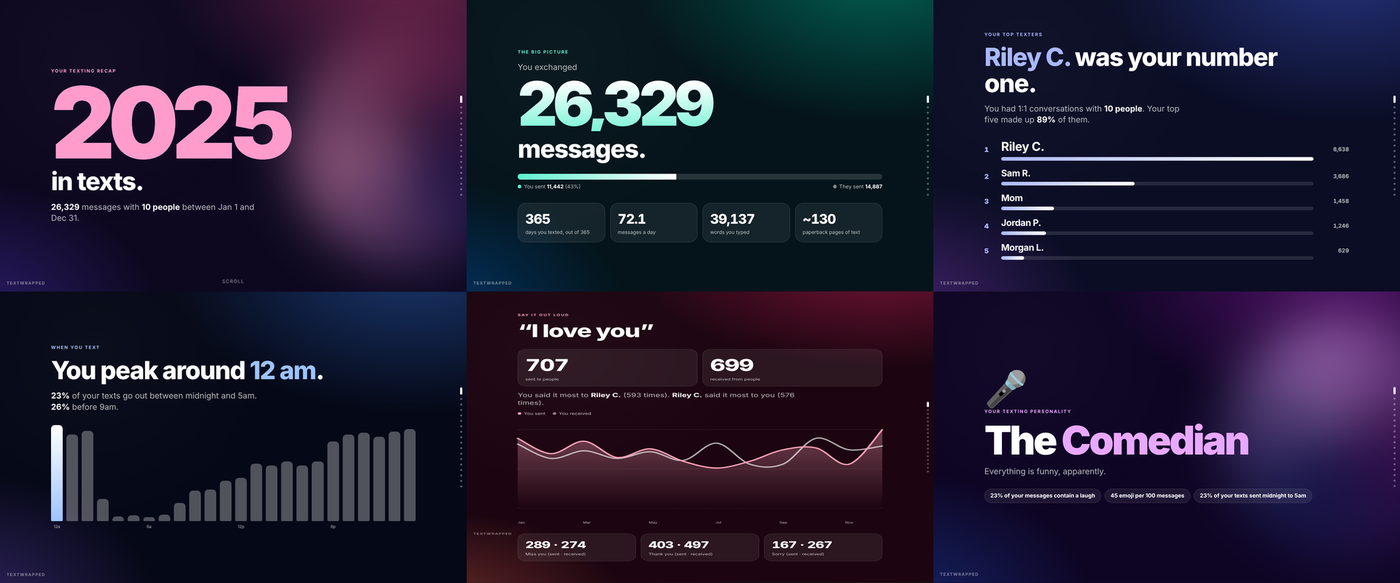
Drop in your Messages database and get a beautiful, scrollable recap: your top texters, your signature words, how fast you reply, and how often you say “I love you.”
- Runs in your browser
- Nothing is uploaded
- Works offline
Get your Messages file
Your Mac keeps every conversation in one file called chat.db. Browsers are not allowed to open that folder directly, but Finder is. So we copy the file out first.
You seem to be on a device that is not a Mac. The Messages file lives on a Mac, so you will need one for this. What about iPhone?
-
1
Open your Messages folder
In Finder, press ⌘⇧G, paste this path, and press Return.
Tip: quit the Messages app first so your latest texts are saved to the file.
-
2
Copy chat.db to your Desktop
Click chat.db, press ⌘C. Go to your Desktop with ⌘⇧D and press ⌘V.
Why copy it? Finder is allowed into that folder and your browser is not. The copy on your Desktop is just a normal file.
-
3
Drop it here
The file stays on your computer. Your browser reads it in place.
Your messages never leave your computer
How do I know nothing is uploaded?
Everything, including Python itself, is downloaded to your browser first and then the analysis runs locally in a background worker. After the “Engine ready” badge turns green in the corner, you can turn off Wi-Fi and it still works. The page also tells your browser to block every outside connection, and the code is plain JavaScript and Python that you can inspect right in your browser.
Finder cannot find the folder
Messages lives in your hidden Library folder. In Finder, open the Go menu, hold Option, click Library, then open the Messages folder. If you use more than one Mac user account, make sure you are signed in as the one you text from.
What does the recap contain?
Counts, names and your own most-used words. It never displays the text of any message. Phone numbers are masked unless you add a name yourself, and a one-click switch replaces every name with “Friend A, B, C” so you can share screenshots safely.
I only have an iPhone. Can I still do this?
The Messages file lives on a Mac. If you have a Mac signed into the same Apple ID with Messages in iCloud turned on, it will have your history. Otherwise a Finder backup of your iPhone contains a similar file called sms.db, which this page can read too. Android texts are not supported yet.
My file is huge. Will it work?
Most files are between 100 MB and 2 GB. The page reads the file in small pieces, so size is usually fine, but browsers cap memory at around 2 GB. If it fails, the command line version has no limit.
Why are some of my latest messages missing?
The Messages app keeps the newest texts in a side file for a while. Quit Messages before copying and they are merged into chat.db. You can also copy chat.db-wal next to it for next time.
Opening your database…
This stays on your computer.